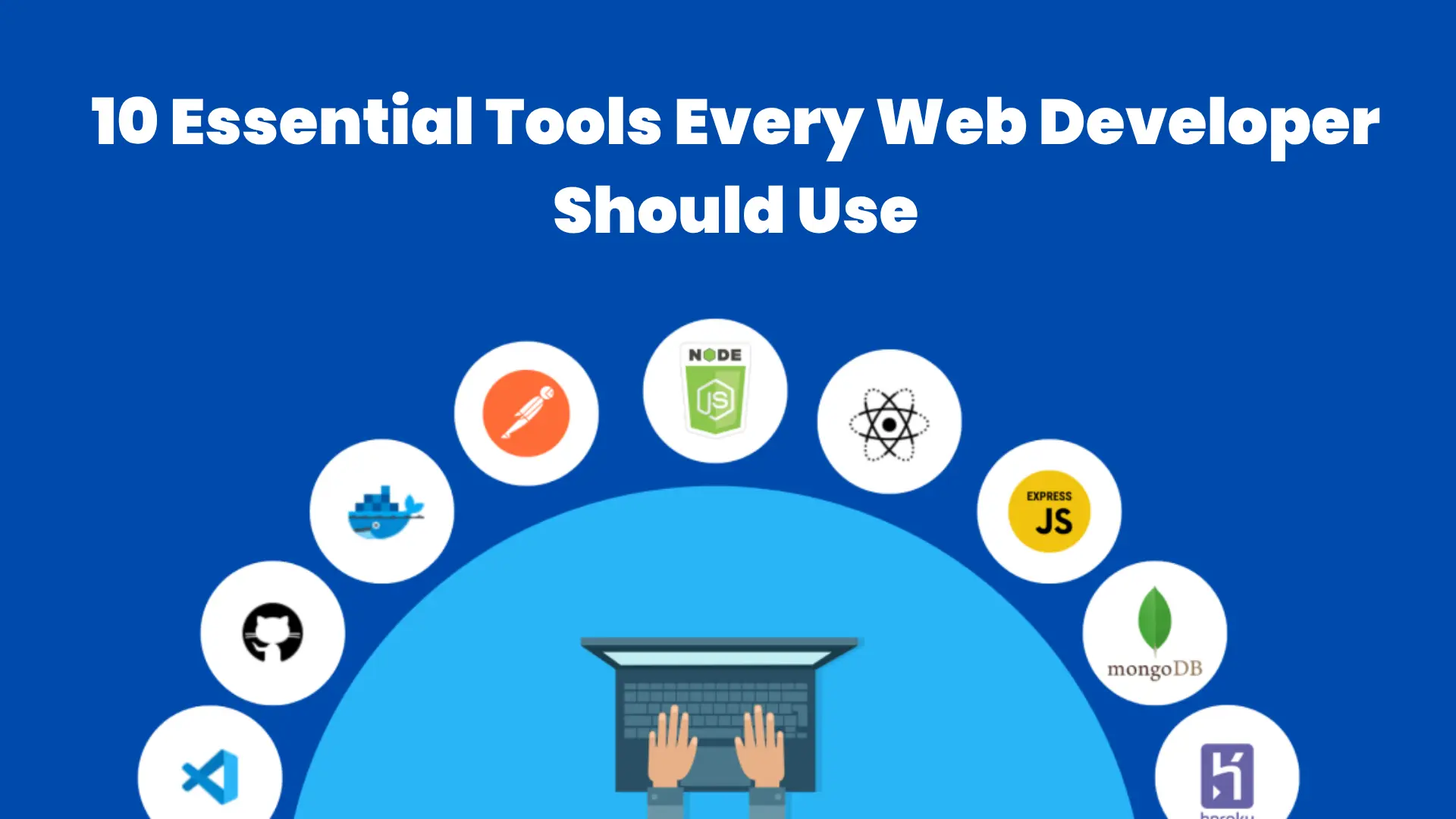
10 Essential Tools Every Web Developer Should Use
Every Web Developer Should Use
In the fast-paced world of web development, having the right tools can make a huge difference in productivity, efficiency, and code quality. Whether you’re a beginner or an experienced developer, the tools you use daily can either speed up your workflow—or slow you down.
In this article, we’ll explore 10 essential tools every web developer should use in 2026 to stay competitive and build high-quality web applications.
1. Code Editor (VS Code)
A powerful code editor is the foundation of every developer’s workflow. Visual Studio Code (VS Code) is one of the most popular choices due to its speed, flexibility, and vast extension library.
Why it’s essential:
- Lightweight and fast
- Supports multiple programming languages
- Huge library of extensions
- Built-in debugging tools
2. Version Control (Git & GitHub)
Version control systems like Git allow developers to track changes in their code and collaborate with others efficiently. Platforms like GitHub make it easier to manage repositories and work in teams.
Key benefits:
- Track code history
- Collaborate with teams
- Revert to previous versions
- Manage branches easily
3. Browser Developer Tools
Every modern browser comes with built-in developer tools (DevTools) that help debug, test, and optimize websites directly in the browser.
What you can do:
- Inspect HTML and CSS
- Debug JavaScript
- Monitor performance
- Test responsiveness
4. Package Managers (npm / Yarn)
Package managers help you install, update, and manage libraries and dependencies in your project.
Why developers rely on them:
- Simplify dependency management
- Save development time
- Ensure consistency across projects
5. Frontend Frameworks (React, Vue, Angular)
Frameworks and libraries make it easier to build complex user interfaces quickly and efficiently.
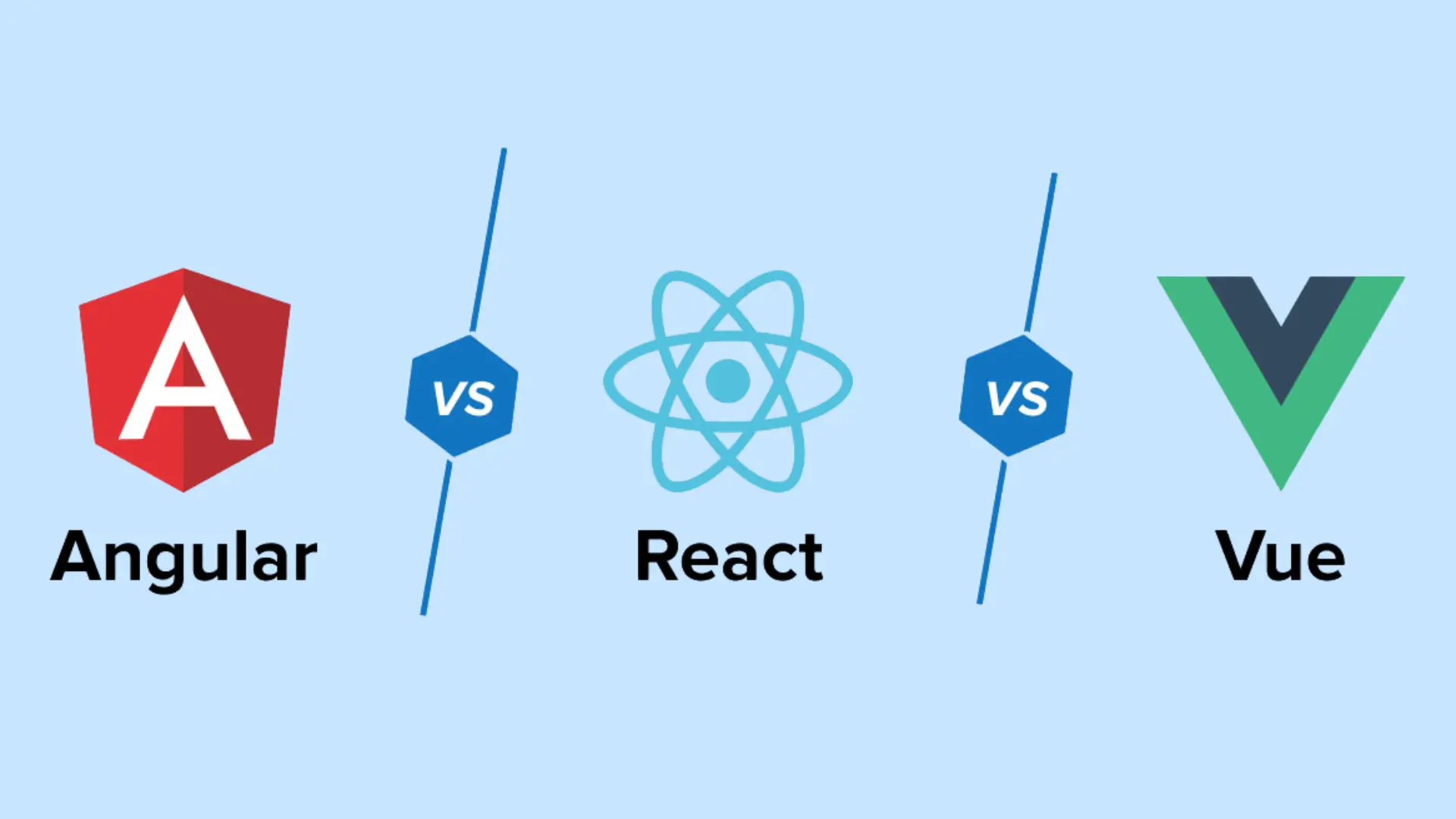
Popular options:
- React – Flexible and widely used
- Vue – Beginner-friendly and lightweight
- Angular – Full-featured and powerful
6. CSS Frameworks (Tailwind CSS, Bootstrap)
CSS frameworks speed up UI development by providing pre-built styles and components.
Advantages:
- Faster design process
- Responsive layouts
- Consistent styling
7. API Testing Tools (Postman)
Postman is a must-have tool for testing APIs. It allows developers to send requests, analyze responses, and debug backend services.
Why it matters:
- Easy API testing
- Saves debugging time
- Helps in backend development
8. Deployment Platforms (Vercel, Netlify)
Deployment platforms allow you to publish your websites and applications quickly.
Benefits:
- Easy deployment process
- Continuous integration (CI/CD)
- Fast global hosting
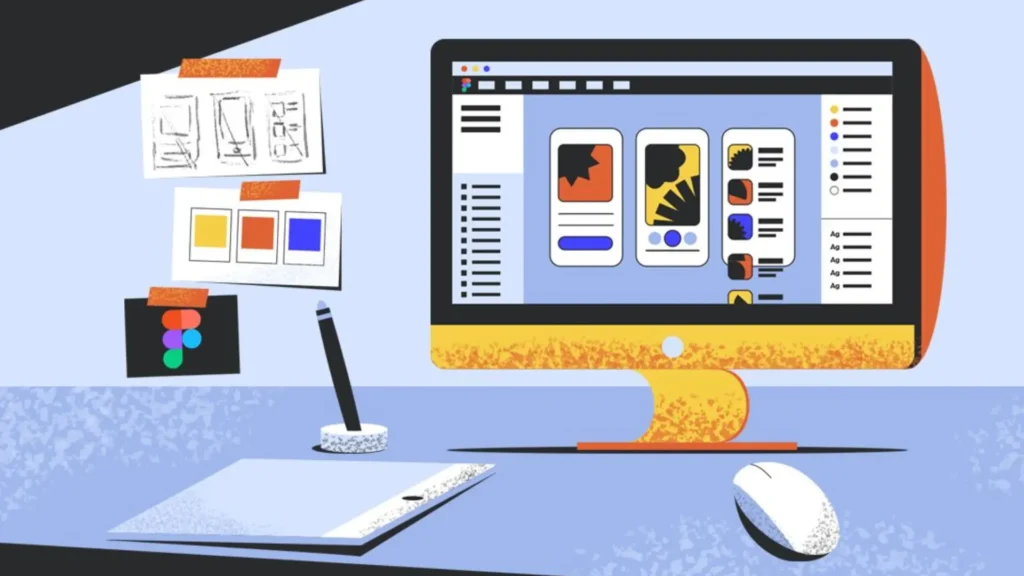
9. Design Tools (Figma)
Figma is widely used for UI/UX design and collaboration between designers and developers.
Why it’s useful:
- Real-time collaboration
- Easy design sharing
- Better communication between teams
10. Performance & SEO Tools (Lighthouse)
Lighthouse is a powerful tool for analyzing website performance, accessibility, and SEO.
What it helps with:
- Speed optimization
- SEO improvements
- Accessibility checks
- Best practices recommendations
Final Thoughts
The tools you use as a web developer can significantly impact your productivity and the quality of your work. While mastering these tools is important, remember that tools are just a means to an end.
To become a successful developer:
- Focus on fundamentals
- Practice consistently
- Stay updated with new technologies
The right combination of skills and tools will help you build faster, smarter, and more efficient web applications in 2026 and beyond.